How do I change the frequency of visual monitoring checks?

Created by Sachin B, Modified on Sat, 13 Dec at 6:33 PM by Sachin B

Step 1 of 7
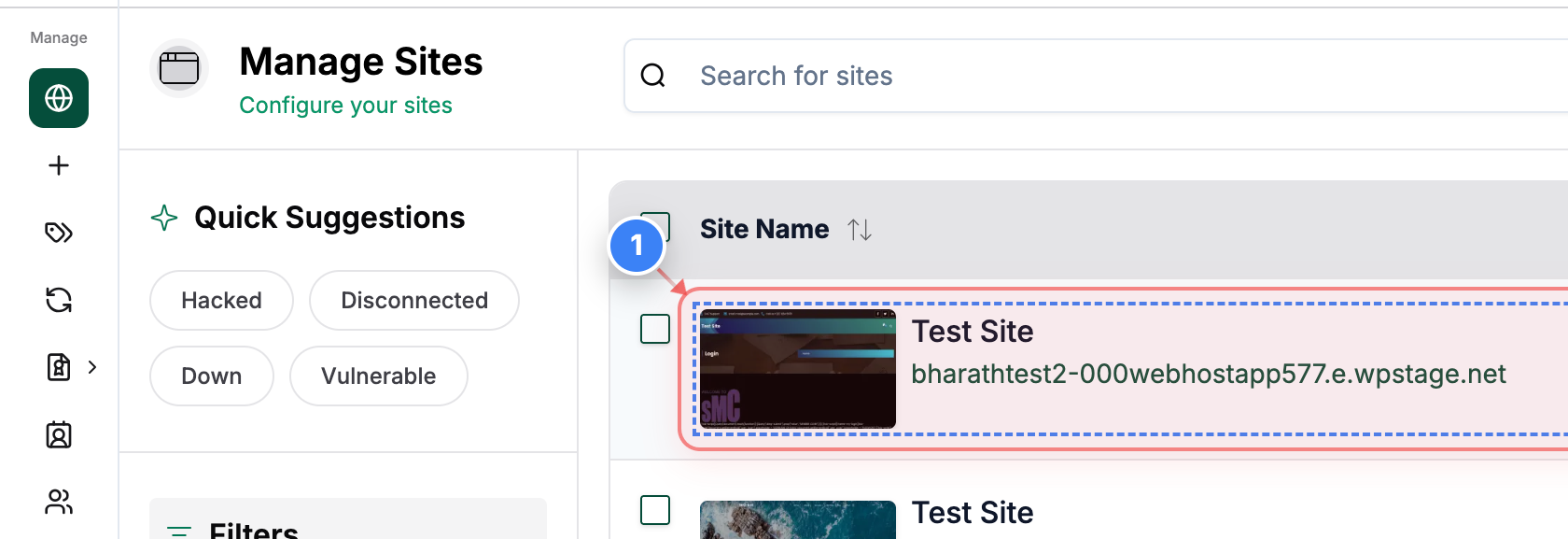
Open your site
Click on your site name in the Sites list to open its management dashboard.
Note: Make sure you select the correct site if you manage multiple sites.
Step 1 screenshot
Step 2 of 7
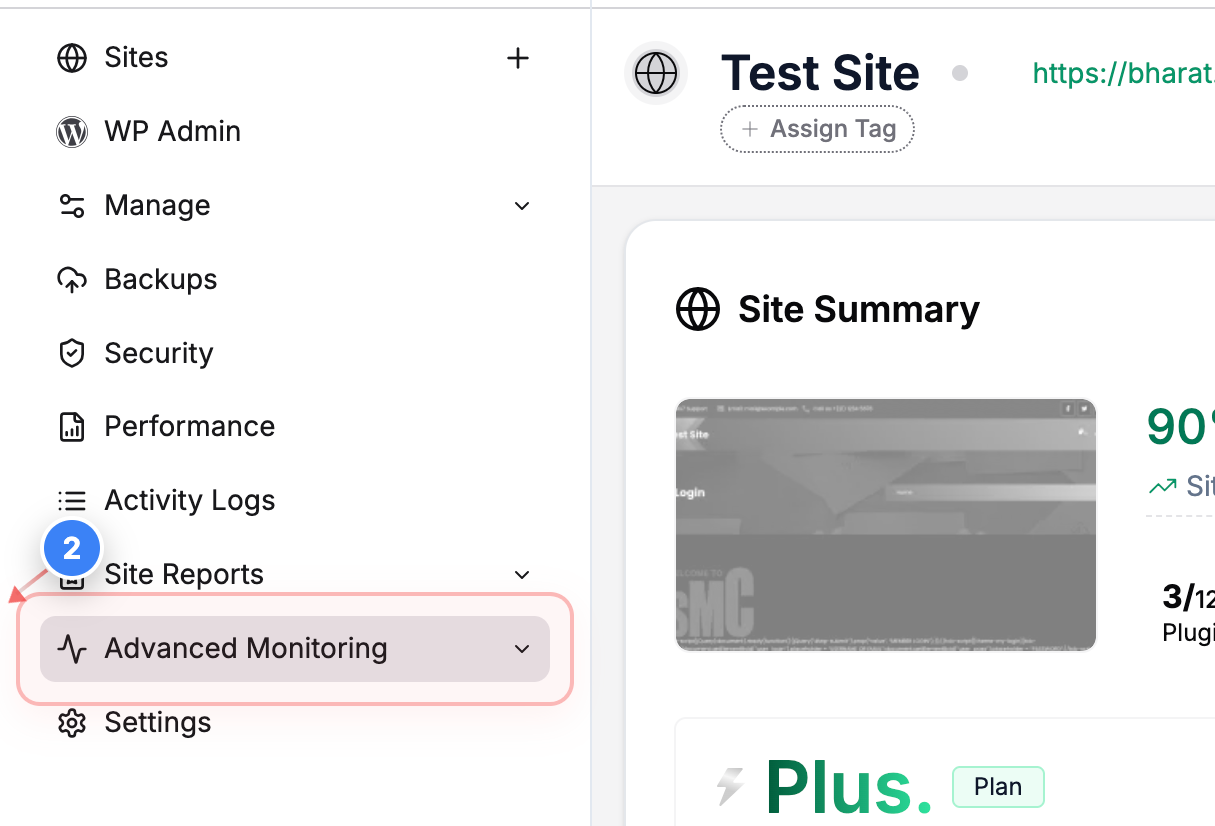
Go to Monitoring Settings
Click Advanced Monitoring in the left sidebar to access monitoring tools for your site.
Step 2 screenshot
Step 3 of 7
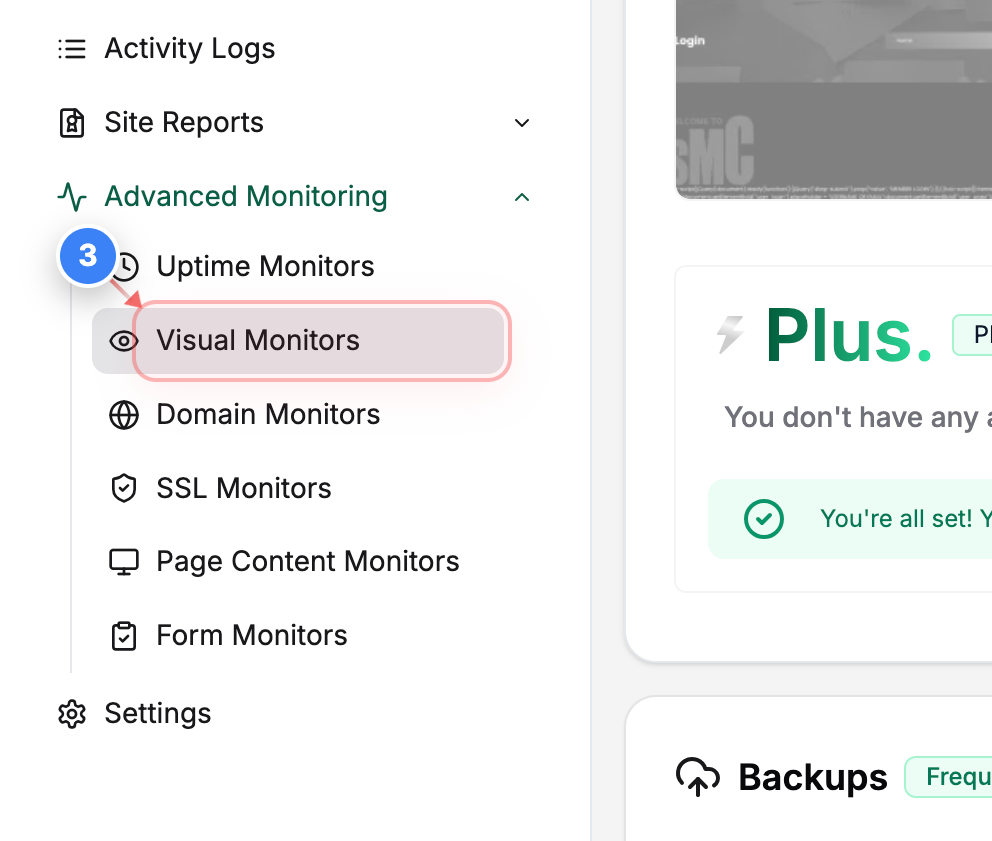
Open Visual Monitors
Click Visual Monitors in the Advanced Monitoring section to view visual monitoring rules for your site.
Step 3 screenshot
Step 4 of 7
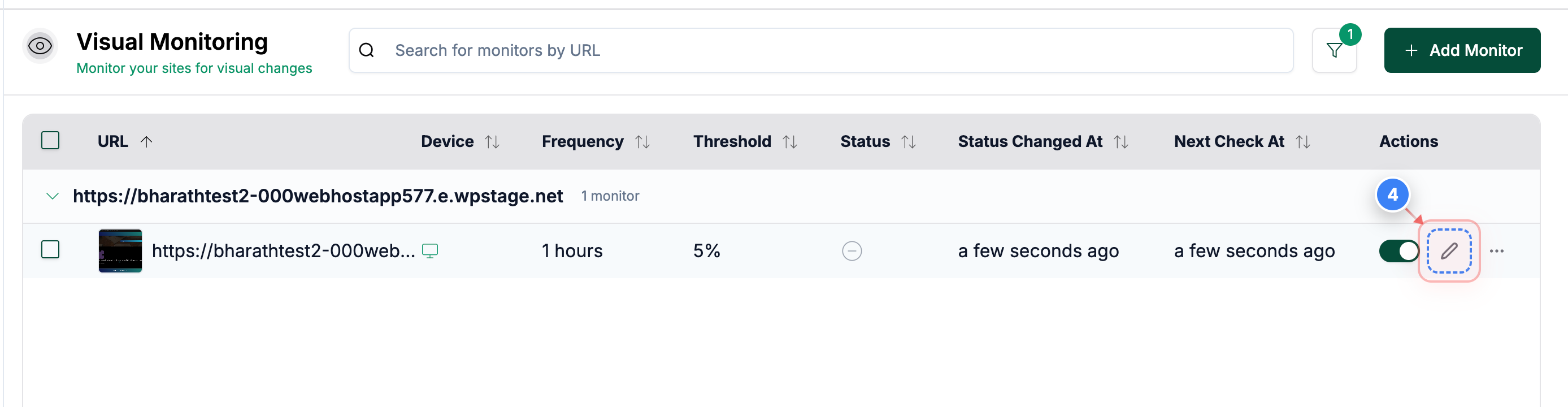
Edit a monitor
Click the edit option next to the visual monitor you want to change to open its settings.
Step 4 screenshot
Step 5 of 7
Edit monitor settings
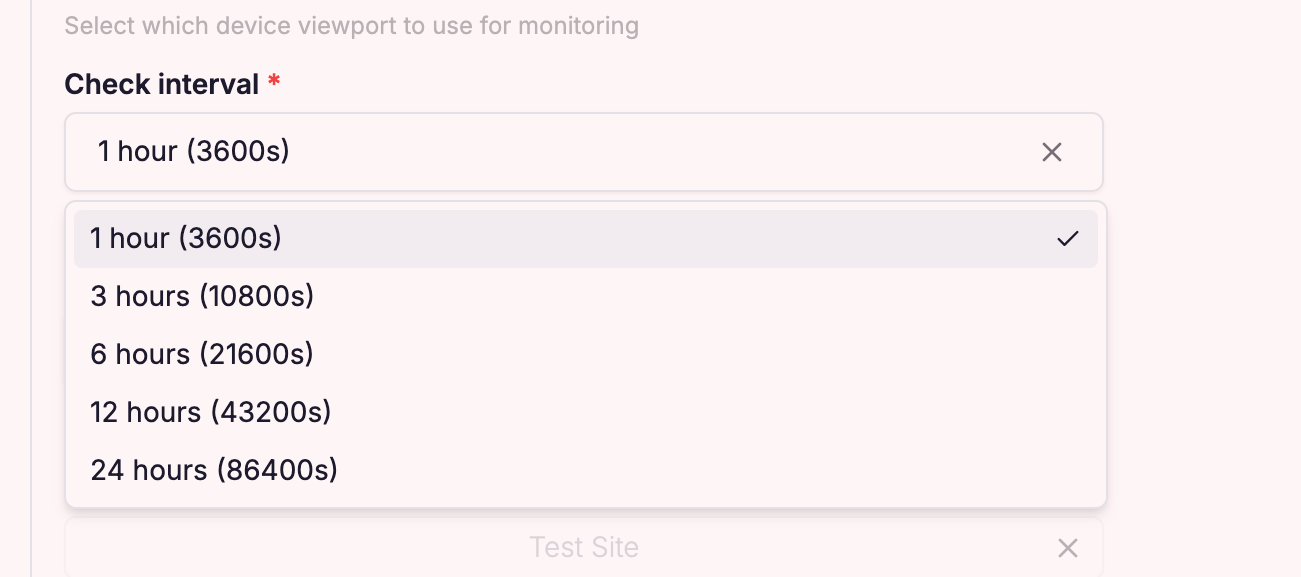
Edit the visual monitor settings on the Check Interval to update the frequency.
Note: You can adjust Interval according to your requirements
Step 5 screenshot
Step 6 of 7
Save changes
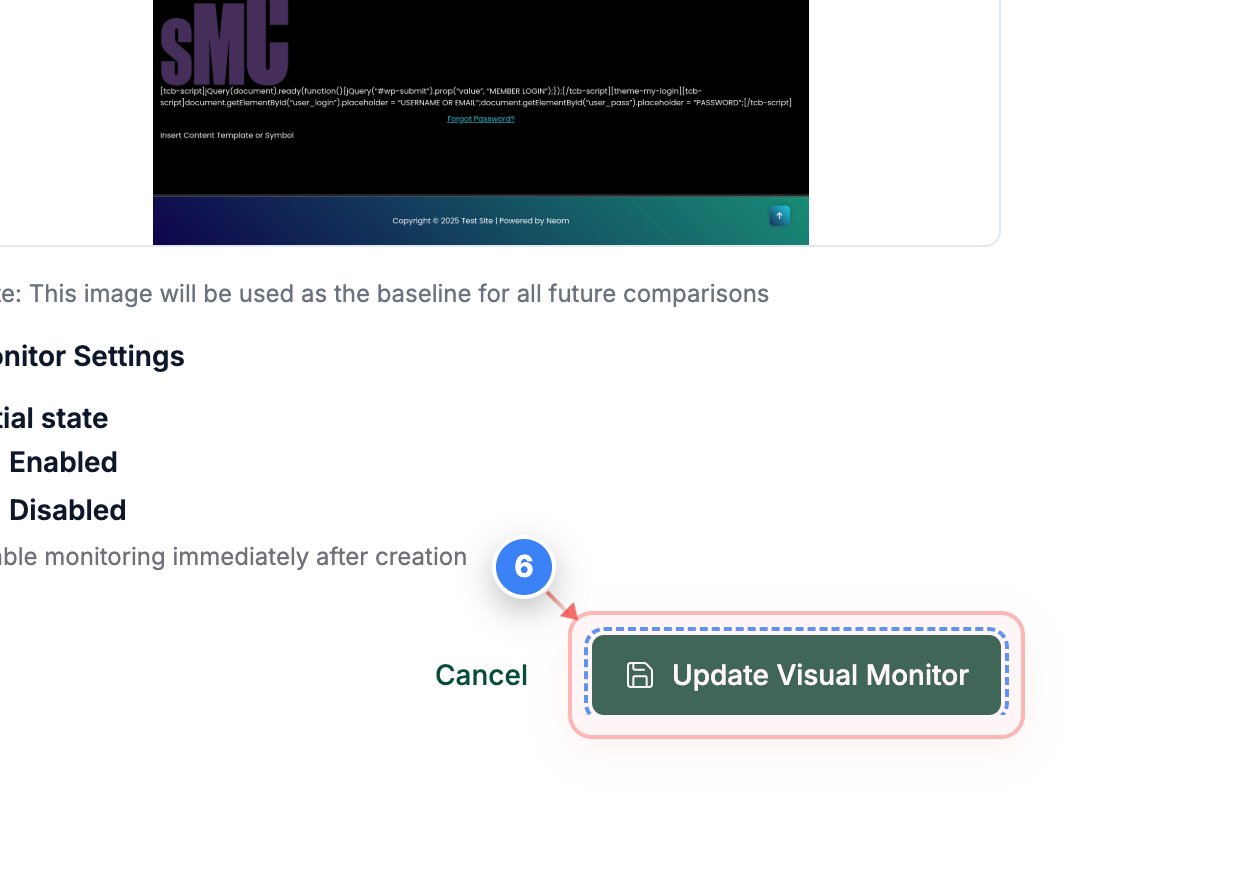
Click Update Visual Monitor at the bottom of the page to save your changes.
Step 6 screenshot
Step 7 of 7
Confirm update
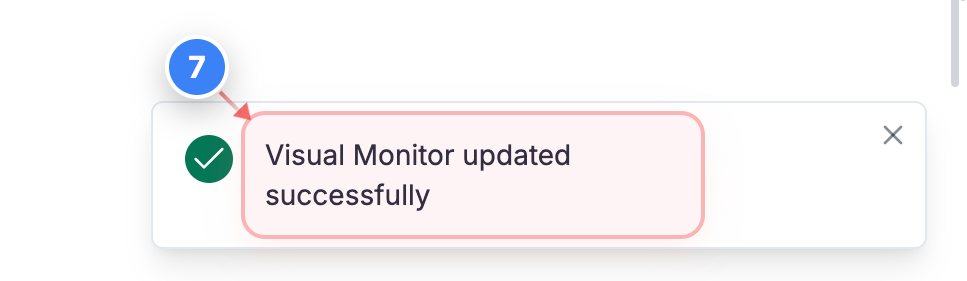
Check the confirmation message at the bottom-right of the page to ensure the visual monitor was updated.
Note: The success message confirms your changes are active.
Step 7 screenshot

Was this article helpful?

That’s Great!

Thank you for your feedback

Sorry! We couldn't be helpful

Thank you for your feedback

Let us know how can we improve this article!

Select at least one of the reasons

Feedback sent

We appreciate your effort and will try to fix the article